Building an Autonomous ML Swarm with Google Antigravity
- Giacomo Vaccario
- July 13, 2026
Table of Contents
Using Google Antigravity to Build an Autonomous ML Swarm
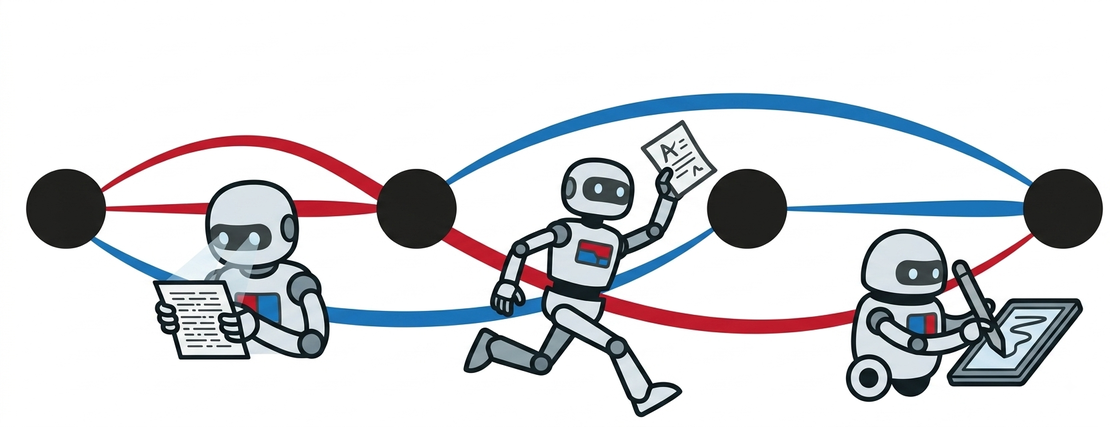
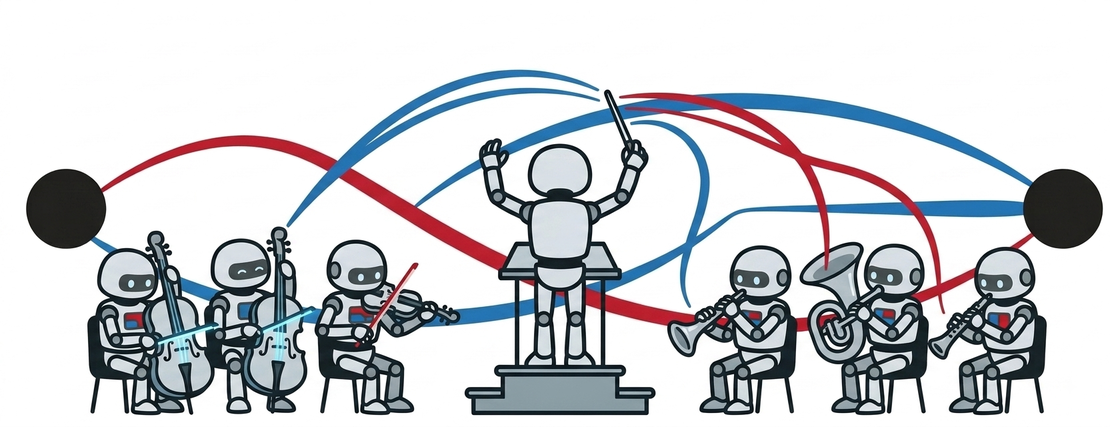
What happens when you use an AI agent system to build another AI agent system?
I tried this and created an ML Agent Orchestrator—an autonomous multi-agent swarm designed to handle end-to-end data science workflows, from exploratory data analysis (EDA) and feature engineering to model training and explainability.
How It Works
Using Google Antigravity as the core agentic tool, I built a specialized backend swarm where dedicated agents hand off state, execute code, and synthesize insights in real time.
Key Features & Capabilities
1. Multi-Agent Swarm Orchestration Engine
- Master Director Agent (
orchestrator.py): Coordinates execution topology, maintains shared workspace context, handles inter-agent dependencies, and yields real-time Server-Sent Events (SSE). - EDA & Data Quality Agent (
eda_agent.py): Profiles dataset shape, computes numeric/categorical distribution statistics, correlation matrices, and identifies data quality anomalies. - Feature Engineering Agent (
feature_agent.py): Imputes missing values, log-transforms skewed distributions, one-hot encodes categorical variables, applies standard scaling, and expands the feature space. - AutoML & Model Trainer Agent (
automl_agent.py): Fits and cross-validates multiple candidate models (Random Forest, Gradient Boosting, Ridge/Logistic Regression, Decision Trees), building a leaderboard to select the champion architecture. - Explainability & Metrics Agent (
explainability_agent.py): Computes feature importances, confusion matrices, residual error metrics, and plain-English diagnostic drivers. - Report & Code Generator Agent (
reporter_agent.py): Synthesizes the run into an executive Markdown report and generates executable, standalone Python code (pipeline.py).
2. Modern Interactive Web Dashboard (React + Vite + Tailwind CSS)
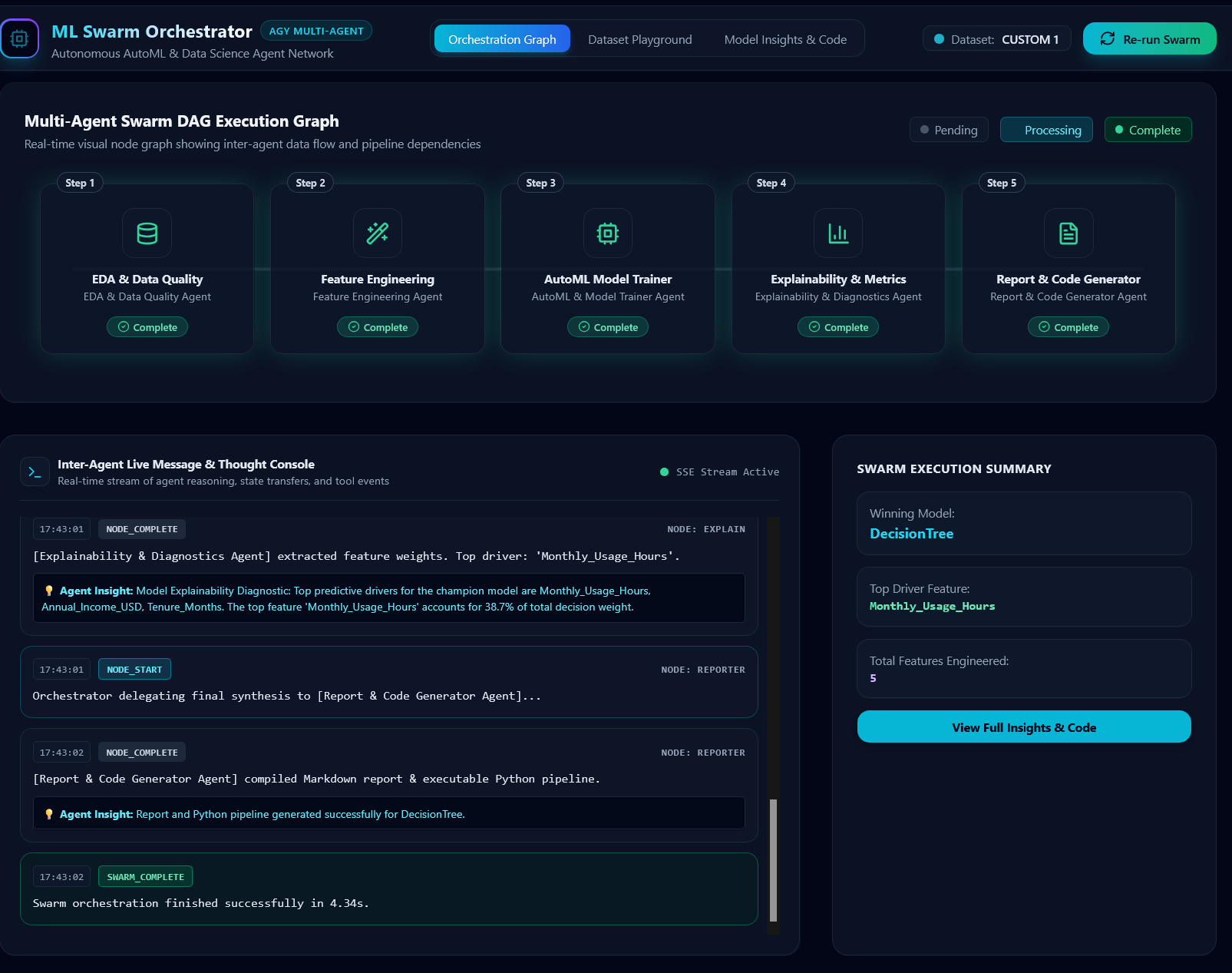
- SVG DAG Execution Graph: Live visual node graph showing node status (Pending, Running, Succeeded), timing metrics, pulse animations, and clickable node output inspector modals.
- Inter-Agent Live Message Console: Real-time streaming log of agent reasoning, state transfers, and tool events.
- Dataset Playground: Pre-loaded benchmark datasets (Telecom Churn, House Prices, Credit Risk Default) plus drag-and-drop CSV file upload with data preview table and target column picker.
- Model Insights & Code Export: Leaderboard comparison table, feature importance bar visualizer, executive Markdown report viewer, and one-click Python pipeline code download.
Dual Frontend Experience
To make the swarm accessible across different setups, I built two ways to interact with it:
- Rich Local GUI: A custom-built local React dashboard featuring a real-time DAG execution graph, live inter-agent message logs, and deep metric insights.
- Global Hugging Face Space: A lightweight, pure-Python Gradio interface hosted on Hugging Face Spaces for instant online access without local setup.
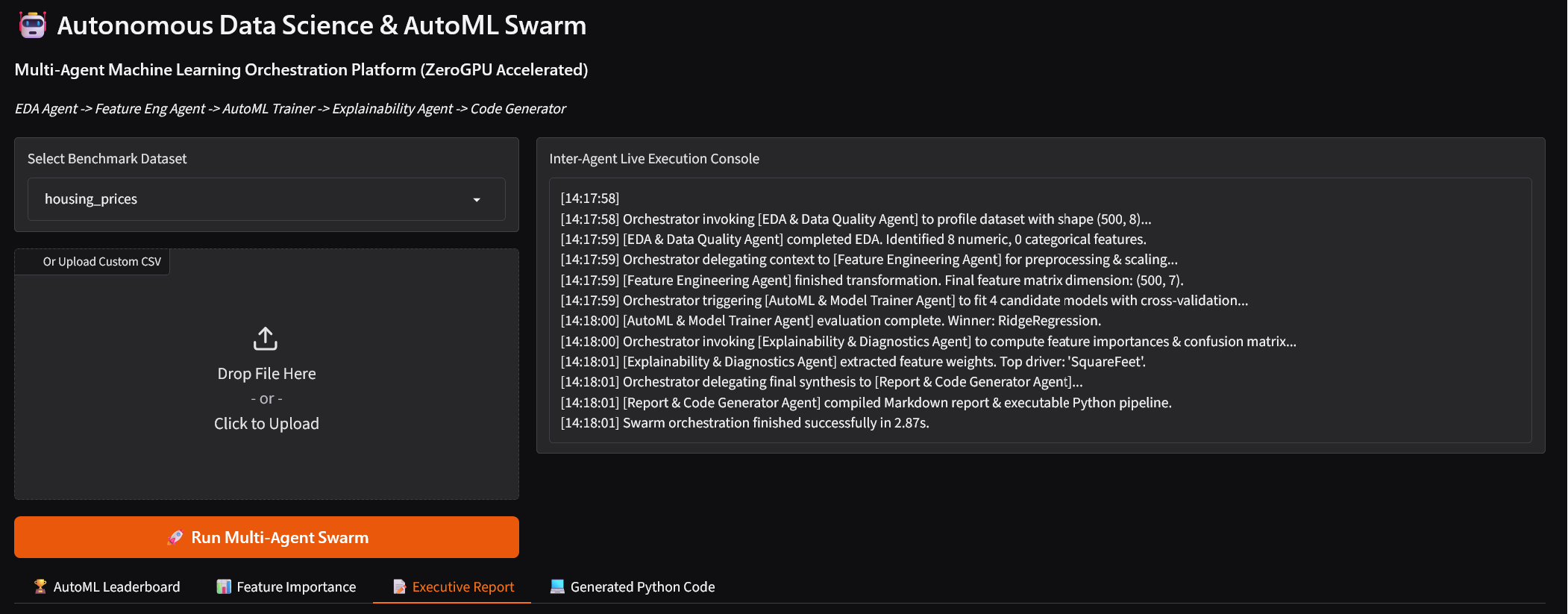
Try out the live web app:
Hugging Face Spaces - ML Agent Orchestrator